FMEA worksheet
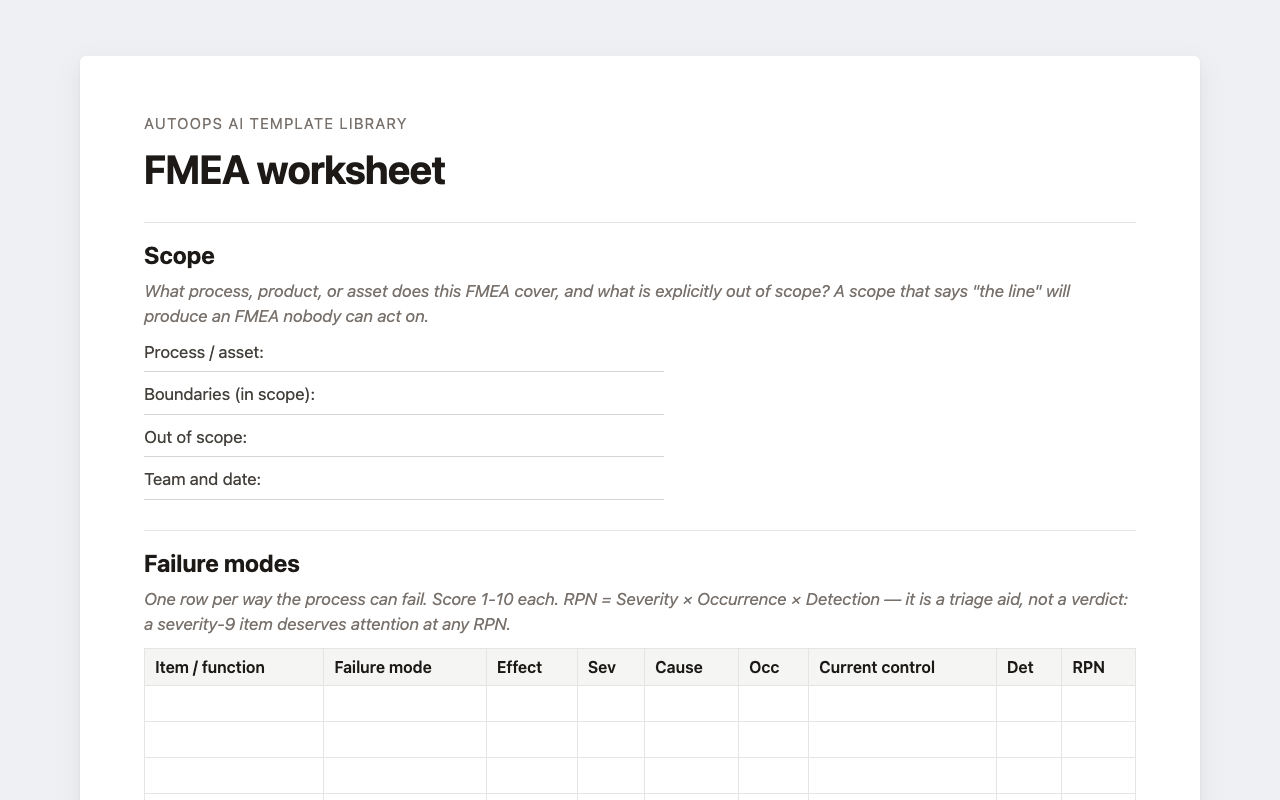
Failure modes scored for severity, occurrence and detection, with an RPN column, a scoring quick-reference, and a highest-risk ranking that asks you to justify the order rather than sort by RPN alone.
Excel (.xlsx)Word (.docx)
FMEA, CAPA, 5-Why and shift brief templates in Excel and Word. Blank, and yours to use whether or not you ever try AutoOps AI. Leave your email and we'll send you the link.
Failure modes scored for severity, occurrence and detection, with an RPN column, a scoring quick-reference, and a highest-risk ranking that asks you to justify the order rather than sort by RPN alone.
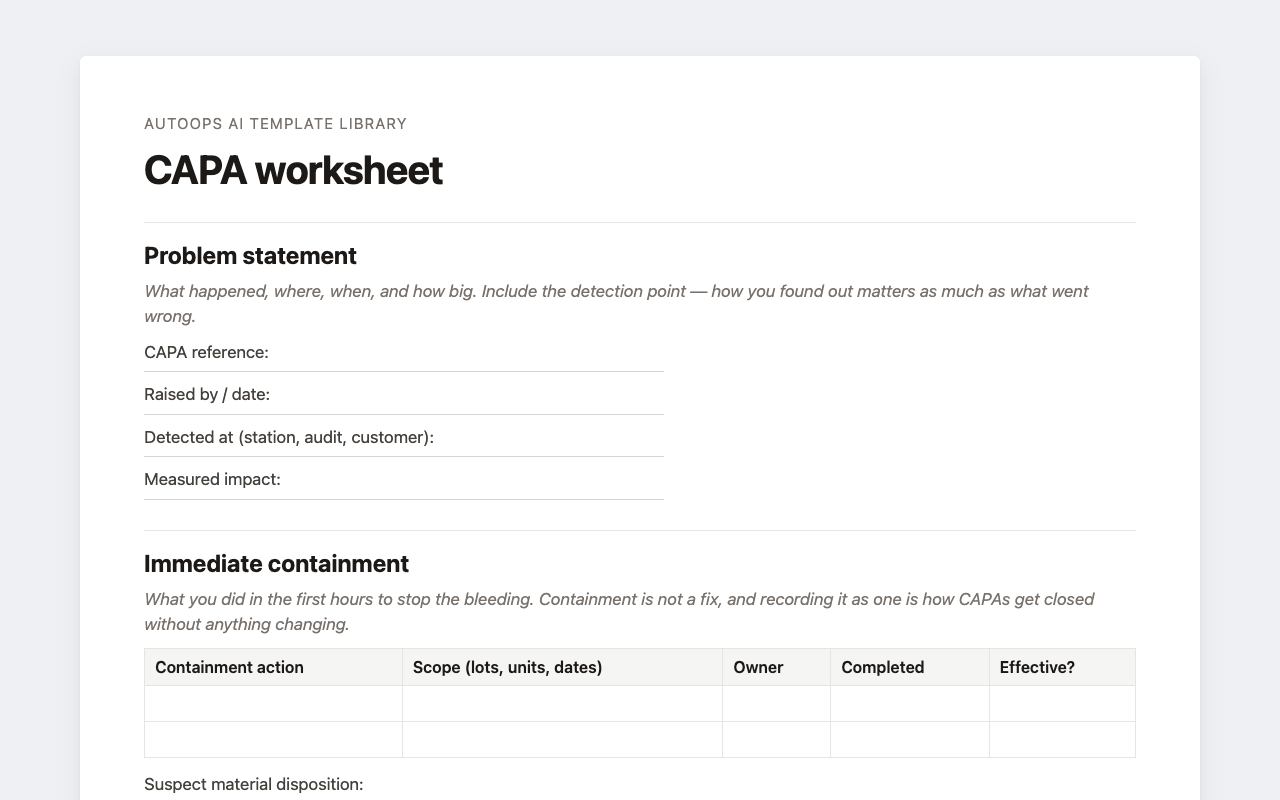
Problem statement through effectiveness check, with containment kept separate from correction: the distinction most CAPA forms blur, and the reason so many close without anything changing.
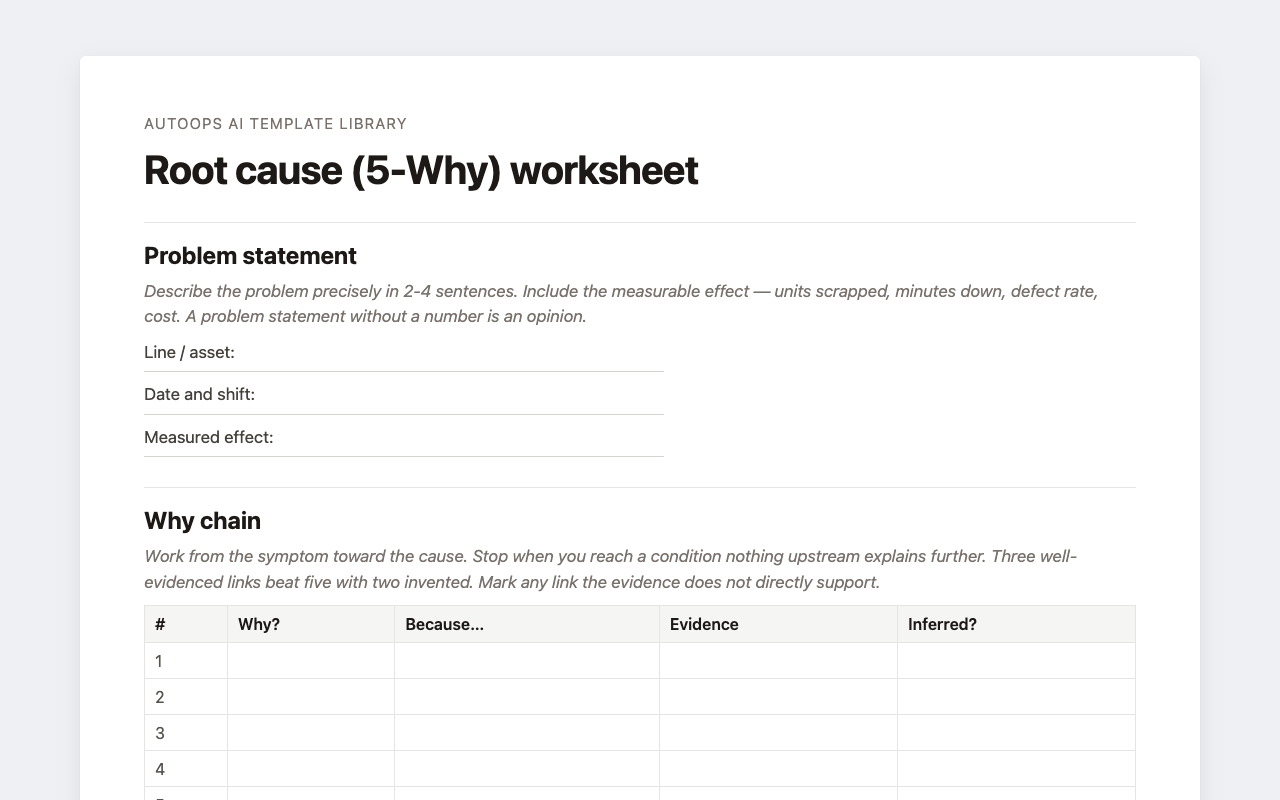
A why-chain with an evidence column and an “inferred?” flag, a cause-versus-symptom check, a table for the explanations you ruled out, and a 6M fishbone.
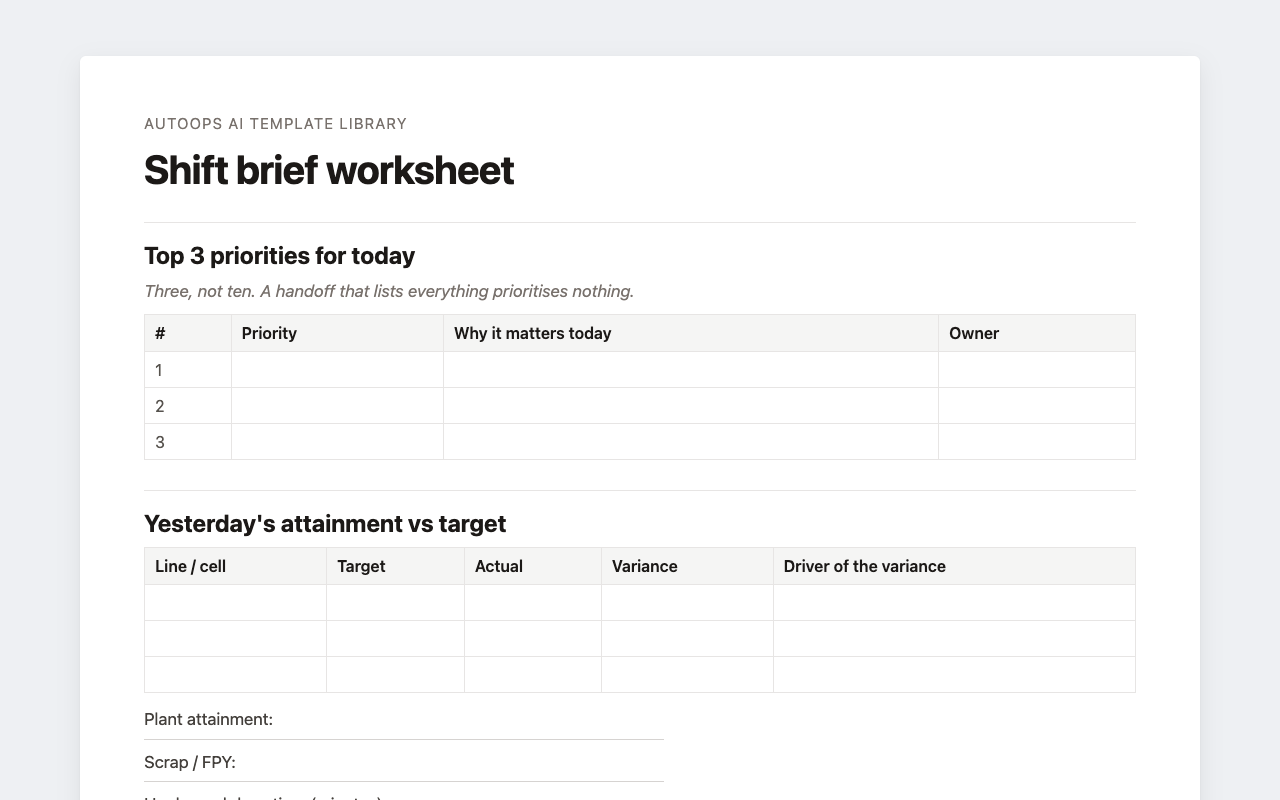
Top three priorities, attainment against target with the cause of any gap named, open red flags, actions carried over, and what the next shift should watch for.
That's the pitch. Hand AutoOps AI an inspection log, a downtime export or a photo of the board, and it drafts one of these with the records it used cited underneath. You review and correct it; nothing closes on its own.
See a shift brief filled in from a night of SAP production data, or try it on your own files.